Receiving calls in the BluePhone app
When someone calls your BluePhone number, your phone is alerted and the app shows a full-screen incoming call, even when the app is closed or the phone is locked. A few settings make sure that works.
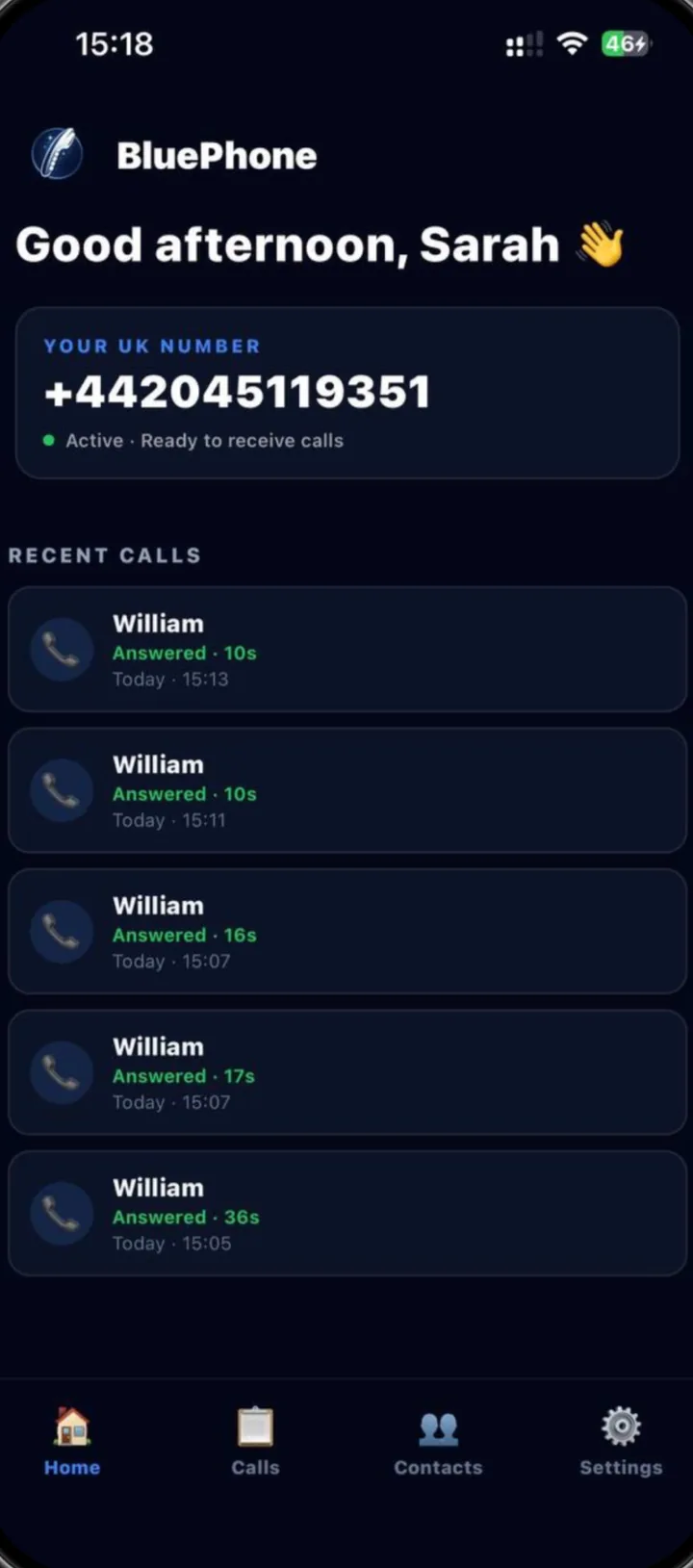
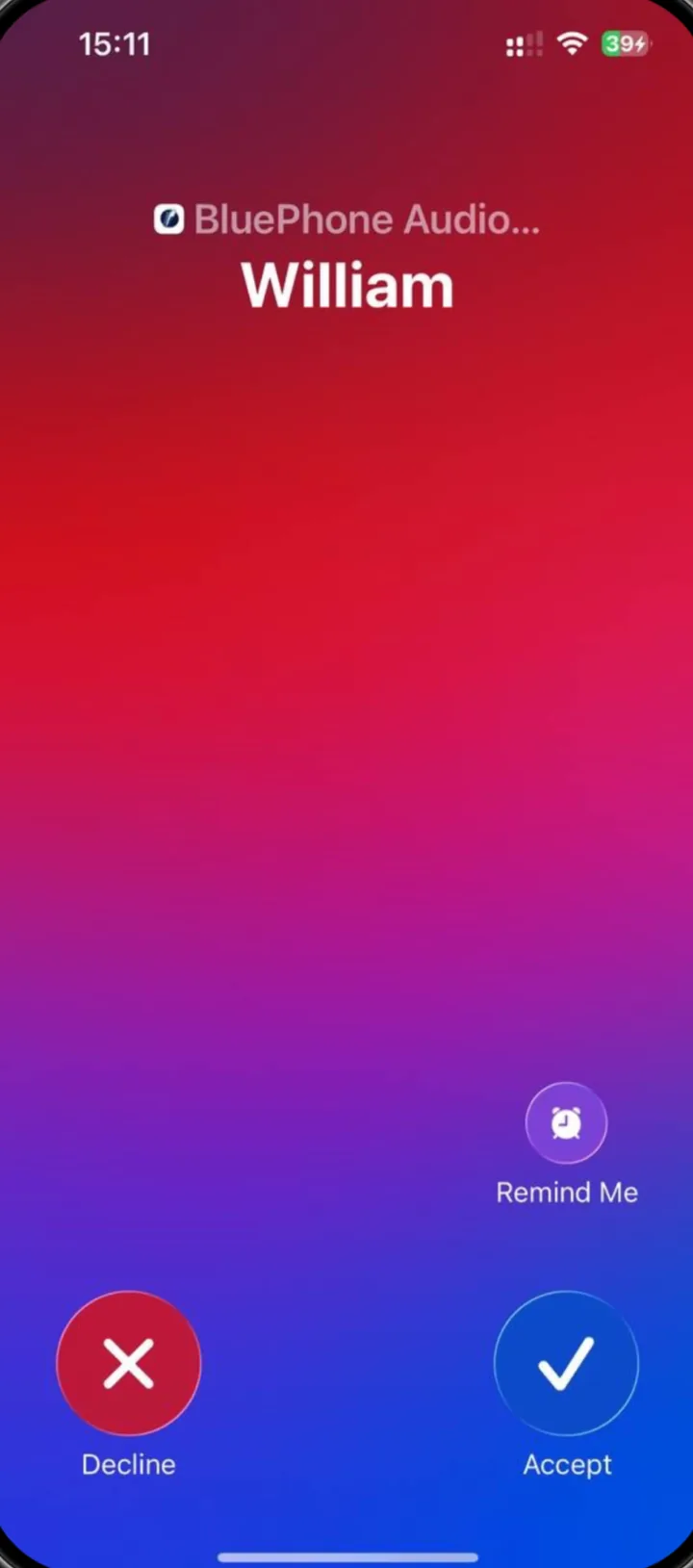
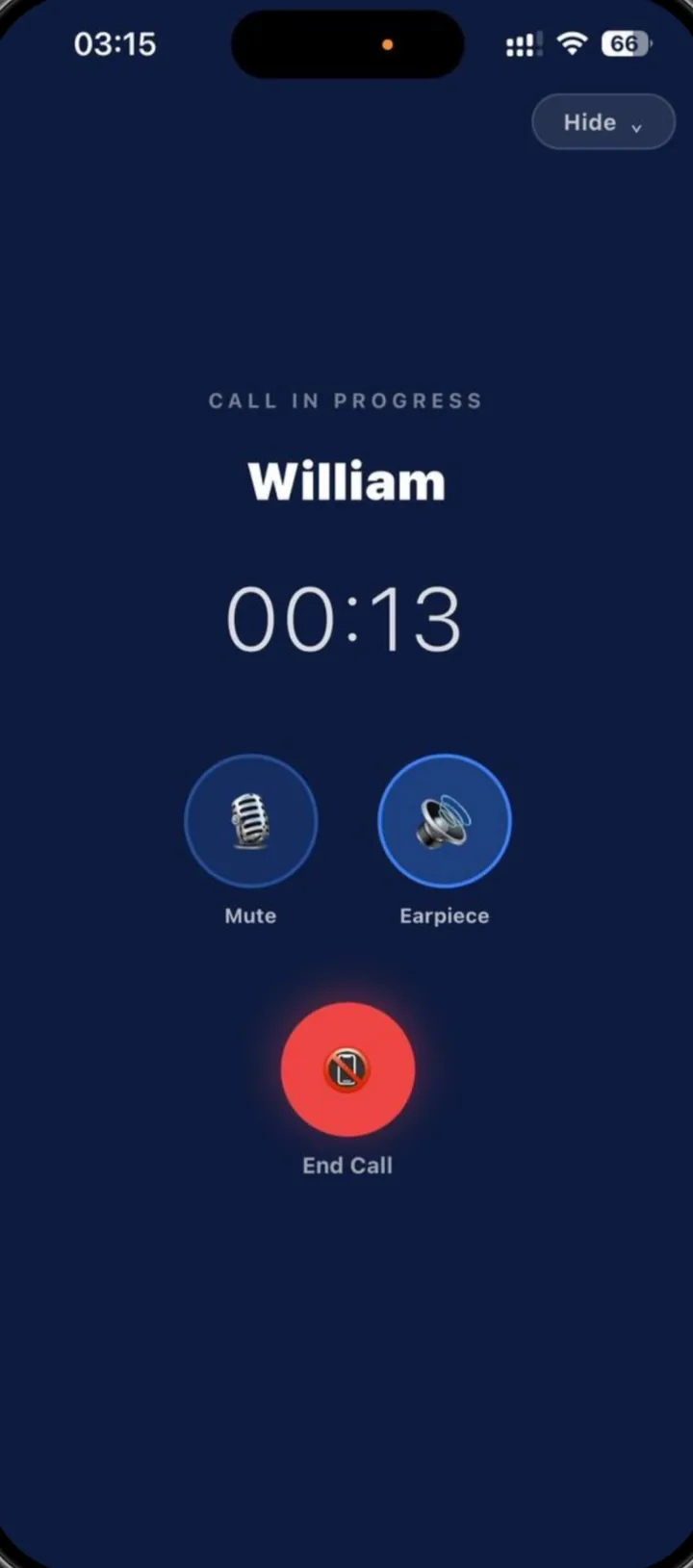
Screens from the BluePhone iPhone app, taken on BluePhone’s own test account. The Android app is available on Google Play.
On iPhone
- Sign in to the app with your BluePhone account.
- Allow notifications and microphone access when asked.
- Calls appear on the standard iPhone incoming-call screen, including on the lock screen.
- Check that Focus or Do Not Disturb is not silencing calls.
On Android
- Sign in to the app with your BluePhone account.
- Allow notifications and microphone access when asked. If your phone asks about full-screen notifications for calls, allow them.
- In battery settings, allow BluePhone to run in the background. Some manufacturers restrict background apps by default.
- Check that Do Not Disturb is not silencing calls.
Questions
Does BluePhone work on iPhone and Android?
Yes. The BluePhone app is on the App Store for iPhone and on Google Play for Android. No eSIM is needed; calls ring in the app over Wi-Fi or mobile data.
Does the app need to be open to receive calls?
No. Your phone is alerted to incoming calls when the app is closed, as long as notifications are allowed and the phone has an internet connection.
Can I use BluePhone on two phones?
Our terms allow one active device per account at a time.
What happens if I miss a call?
It appears in your call history. BluePhone has no voicemail, and you cannot call a prisoner back, so they will need to call again.
Related guides
Get your own UK number
£15/month or £149/year. iPhone and Android. No eSIM required. Incoming calls only. The prison decides whether to approve the number.